10 Best Workflow Automation Tools for SMEs
best workflow automation toolsworkflow automationSME automationbusiness process automationintegration platforms
The loudest advice in automation buying is usually wrong. The tool with the most connectors isn't automatically the best fit, because a quick app-to-app shortcut solves a different problem from a structured departmental process, desktop RPA, developer-led API work or governed enterprise integration. UK evidence shows why that distinction matters, because adoption is still uneven, many firms have not yet embedded automation well, and the challenge is often implementation rather than access to software, especially in smaller teams (2023 UK desk-worker survey, UK government AI adoption research).
For SMEs and mid-sized organisations, the better question is which tool fits the operational problem in front of you. Some teams need a fast way to connect SaaS apps, others need process visibility, approvals and governance, and others need custom integrations or desktop automation for legacy systems. If your team needs custom AI agents, bespoke integrations, dashboards, implementation support or training beyond an off-the-shelf platform, InnovaAI Integration Ltd is a relevant partner to keep in mind while you compare options.
Table of Contents
- 1. Zapier
- 2. Make
- 3. Microsoft Power Automate
- 4. Workato
- 5. Tray.io
- 6. n8n
- 7. Pipedream
- 8. Activepieces
- 9. Airtable Automations
- 10. Pipefy
- Top 10 Workflow Automation Tools Comparison
- Choose the Smallest Tool That Will Scale
1. Zapier
Zapier is the safest default for simple app-to-app automation. A small team can move lead data from a form into a CRM, notify Slack and create a follow-up task without pulling in engineering, and Zapier usually gets that done fastest. Its value is breadth, with a large app library, templates, visual branching, paths, webhooks, AI steps, code steps, versioning, logs and task-based metering, so it fits quick wins without a heavy setup burden.
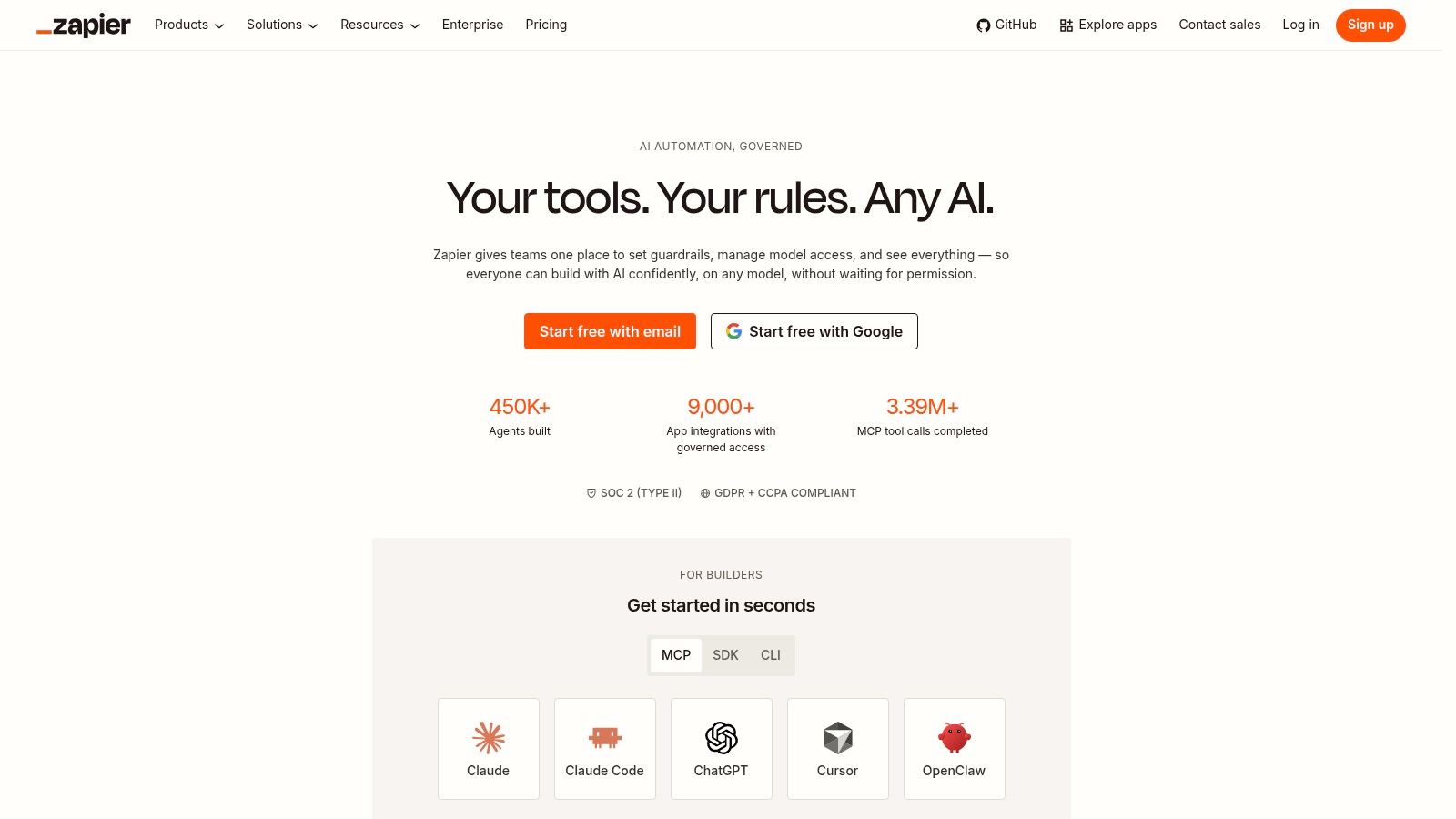
The trade-off is control. Task-based pricing is easy to accept during prototyping or for a contained process, but it becomes harder to forecast once a workflow spreads across sales, ops and support. Zapier fits teams that want fast time to value and can live with lighter governance, not automation estates that need strict data residency, central oversight or complex exception handling.
A practical way to judge it is by ownership. If non-technical staff need to run the workflow day to day, the process is cloud-based, and the steps are mostly straightforward hand-offs, Zapier is usually a sensible first tool. If the job starts to require tighter policy control or more formal process design, the fit weakens.
It is also a low-risk place to test whether automation is solving the right problem before a larger build. Teams that want to compare that approach with consultancy-led workflow design can review the InnovaAI Integration Ltd blog before they commit to a wider implementation.
A linked survey on UK automation adoption suggests the barrier is often implementation, not access to software. That lines up with Zapier's strongest use case, because the platform is most useful when the bottleneck is manual coordination, not technical integration work.
2. Make
Make suits teams that outgrow “if this, then that” logic and need a visual workflow engine with real branching. Its drag-and-drop canvas, routers, iterators and data stores make it a better choice when a process has multiple paths, data needs reshaping, or one record must trigger several downstream actions. That makes it especially strong for operational logic, not just task passing.
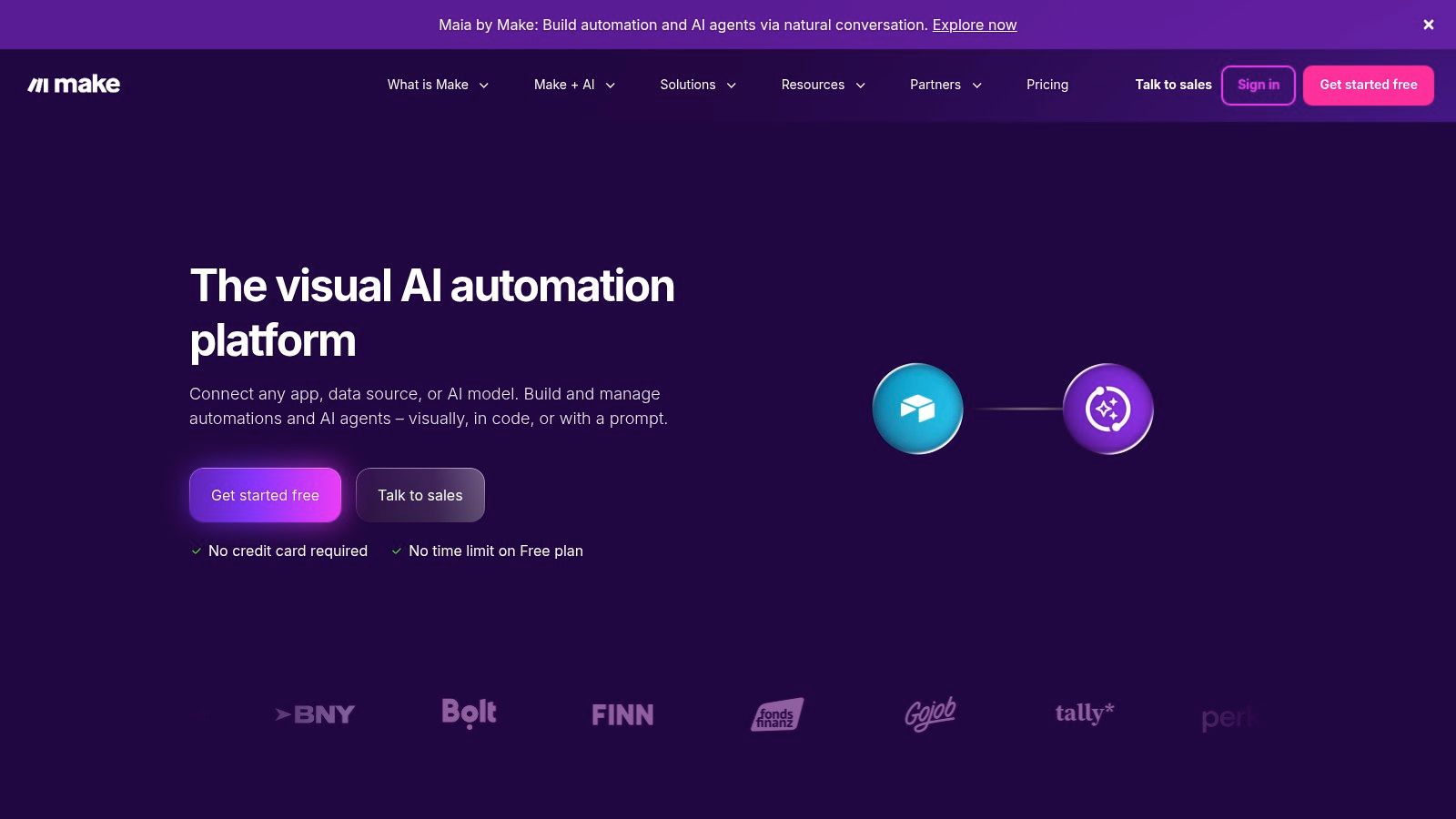
The reason SMEs often switch to Make is that simple automation tools can become awkward when a workflow starts looking like a mini process map. Make handles more of that complexity natively, with stronger data mapping, scheduling, error handling and replay-style debugging. That's valuable for ops teams that need to move and transform data between systems without asking a developer to hard-code every edge case.
The trade-off is predictability. Credit or operation-based metering can be harder to forecast than a flat subscription, especially when branching increases the number of operations behind a single run. The learning curve is also steeper than a basic connector platform, so Make rewards teams that are willing to think in scenarios rather than one-off automations.
Where Make makes more sense
- Quoted workflows and order processing, where different branches need different actions.
- Data-cleanup automations, where one step turns messy inputs into usable fields.
- Operations teams that need more logic than a simple app bridge.
- SMEs with growing complexity but no appetite for full custom code.
For West Midlands businesses, that can be the sweet spot between a lightweight no-code tool and a larger integration platform. Make gives you enough structure to build serious workflows, but it still expects someone to own the logic and testing.
3. Microsoft Power Automate
Power Automate makes the most sense for SMEs already tied to Microsoft 365, Dynamics 365 or Teams. It combines cloud flows with Power Automate Desktop, so it can handle both SaaS automations and older desktop tasks. That matters for firms that still depend on internal systems or manual back-office steps. Its admin centre, DLP policies and environment controls also give it more governance than many SMB-first tools.
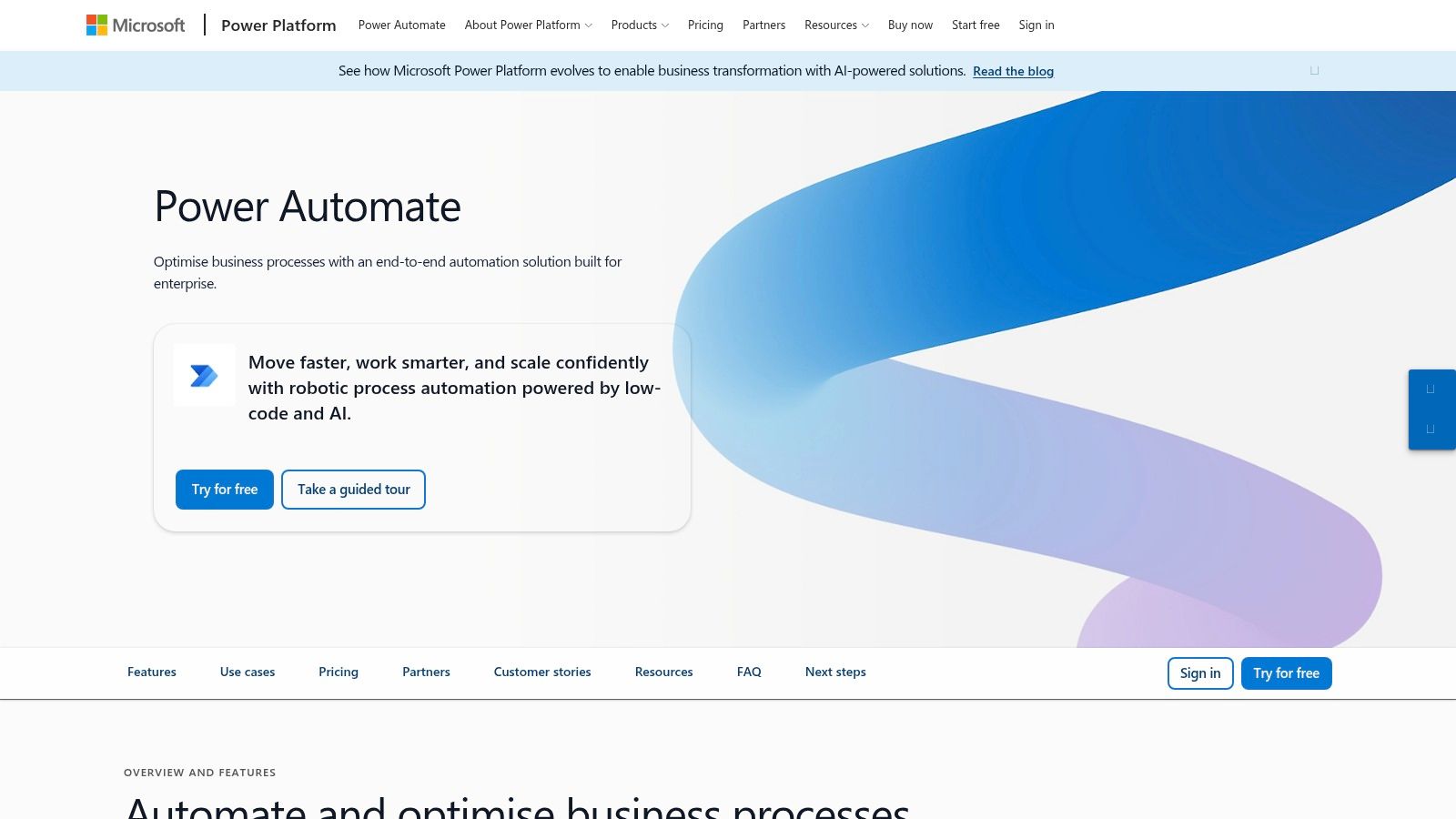
The main advantage is fit, not novelty. If staff already live in Outlook, SharePoint and Teams, implementation usually becomes easier because the platform sits inside the stack they already use. That can improve adoption, and adoption is where many automation projects stall. Research on UK desk workers points to a gap between the need for collaboration tools and how ready organisations are to implement them (UK desk-worker survey).
Power Automate is also a governance choice. It works better than ad hoc app automation when a business wants shared standards for who can build, connect and approve workflows across Microsoft estates.
Licensing can still be hard to forecast, and desktop automation at scale needs careful monitoring. For that reason, Microsoft-heavy SMEs tend to get better results when they treat it as a managed rollout rather than a tool for one department to use on its own.
That is where InnovaAI Integration Ltd can be relevant, especially when the business needs build support, governance and training to land the rollout properly.
4. Workato
Workato is a stronger fit when a business needs governed automation at scale rather than a quick departmental fix. Its recipes, lifecycle management, workspace governance and testing features suit processes that need reliability, collaboration and traceability. That makes it more relevant for organisations that already know the cost of broken integrations, shadow automations or workflows with no clear owner.
The difference from SMB-first tools is operational discipline. Integration is treated as a managed asset, not just a connection. For finance, customer operations and internal service workflows, that matters because a small change can affect several systems and create support noise or compliance issues.
The trade-off is practical. It usually takes more expertise to implement, and pricing can be hard to compare because some details only appear in sales conversations. For smaller organisations, a quick assessment of readiness is useful, so the InnovaAI Integration Ltd AI Readiness Scorecard can help frame whether the process is mature enough for this level of platform. Workato makes sense when integration is already business-critical and the team needs something that behaves more like infrastructure than a simple automation app.
For SMEs, the case tends to rest on the problem being solved. Mission-critical processes need tighter lifecycle control, and multiple teams need to work in the same automation estate without losing oversight. Embedded automation inside products or services also needs a stronger backbone, because the workflow is part of the service rather than an isolated task. Predictability at scale matters more than fast self-serve setup, especially once the organisation expects the workflow to grow.
Smaller firms should be cautious if the process is still changing. If the workflow is strategic and likely to expand, Workato can reduce rework later. If not, it is likely more platform than the team needs.
5. Tray.io
Tray.io suits technical teams building complex multi-app workflows. Its visual builder, API integration patterns, branching logic and human-in-the-loop steps are aimed at integration design, not simple template automation. Security controls and data residency options also make it relevant where GDPR and UK-GDPR requirements matter.
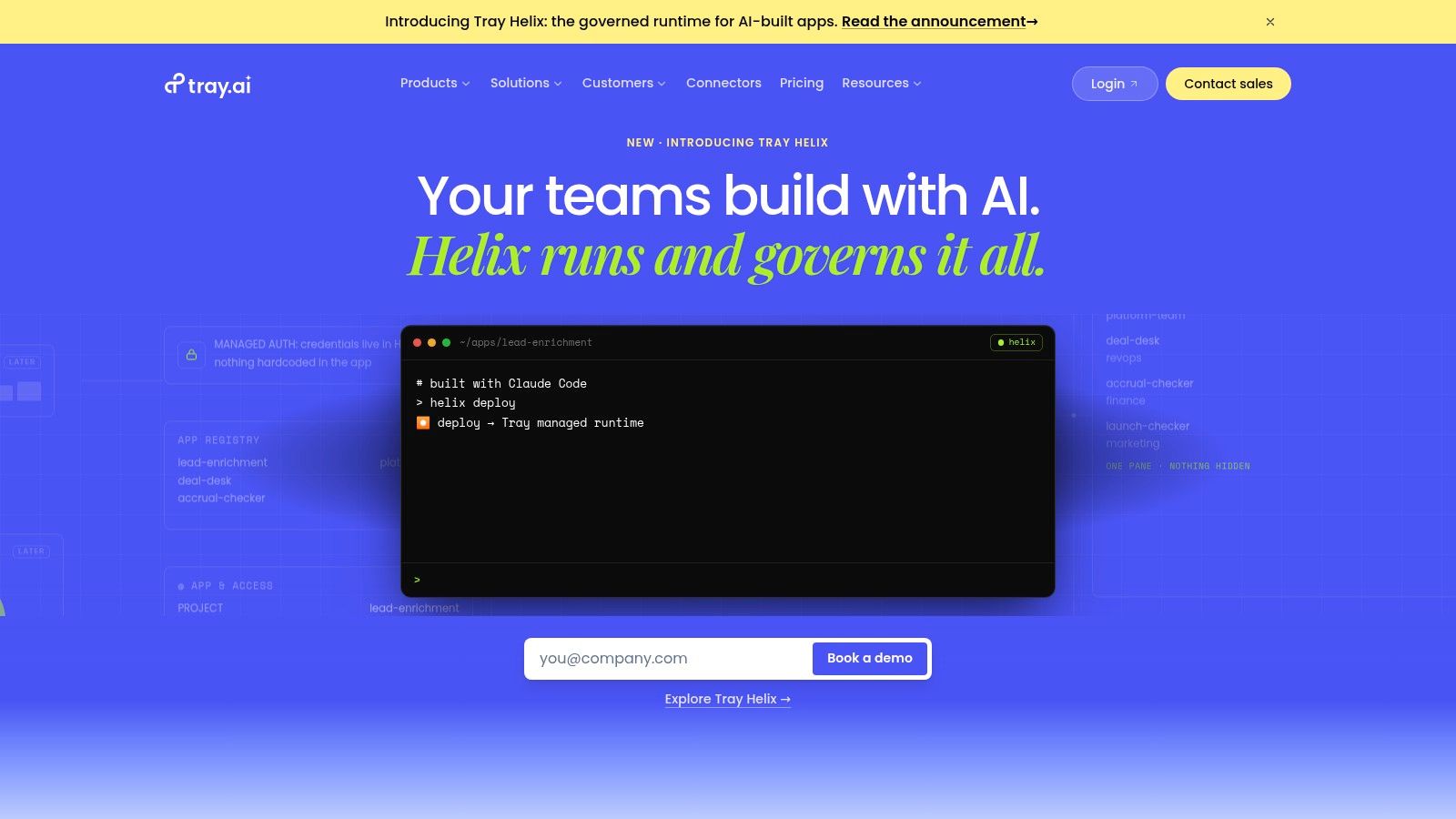
The practical value shows up when a business has multiple data sources, non-trivial APIs and strict control requirements. In that setting, Tray.io behaves more like visual integration work than basic app automation. Teams still need people who understand APIs, payloads and error handling, because the platform only hides part of the technical effort.
For SMEs, the bigger question is fit. Quote-based pricing makes early comparison difficult, and the sales process can take longer than a self-serve tool. That adds uncertainty for smaller organisations that need a clear view of cost before committing to an operating model.
Tray.io makes sense when the problem is governance as much as automation. If workflows cross departments, systems or customer-facing touchpoints, the platform can give tighter control over data movement and reduce the chance of painting the team into a corner later.
6. n8n
n8n fits teams that need self-hosted control, developer flexibility and cost predictability without moving to a heavy enterprise stack. Its node-based interface, HTTP and webhook support, JavaScript function nodes and custom node extensions give it more range than a standard no-code tool. Self-hosting is the differentiator, because it lets organisations control where data sits and how the platform behaves.

That control carries an operational cost. Someone still has to handle backups, monitoring and upgrades, so open source does not mean zero administration. For SMEs, that is often the trade-off that matters most. If you have some DevOps capacity, n8n can reduce per-task pricing pressure and keep sensitive workflows closer to your own infrastructure.
Its strongest use case is extensibility. When a native connector is missing, the HTTP node often fills the gap, which helps lean teams that already know how to work with APIs. The downside is governance depth. Compared with top enterprise iPaaS platforms, controls are lighter, so n8n suits teams that can accept more technical ownership in exchange for flexibility.
Use n8n when ownership matters more than polish. If you want more control over deployment and can support it properly, the platform can stretch further than a basic automation app.
For SMEs balancing IT constraints with UK or EU data expectations, that mix of open-source transparency and deployment choice is hard to ignore.
7. Pipedream
Pipedream is built for developer-led API automation. It combines visual steps with inline code in Node.js and Python, so technical teams can connect services quickly without first building a full backend. That makes it a strong fit for event handling, API orchestration, and lightweight service glue.
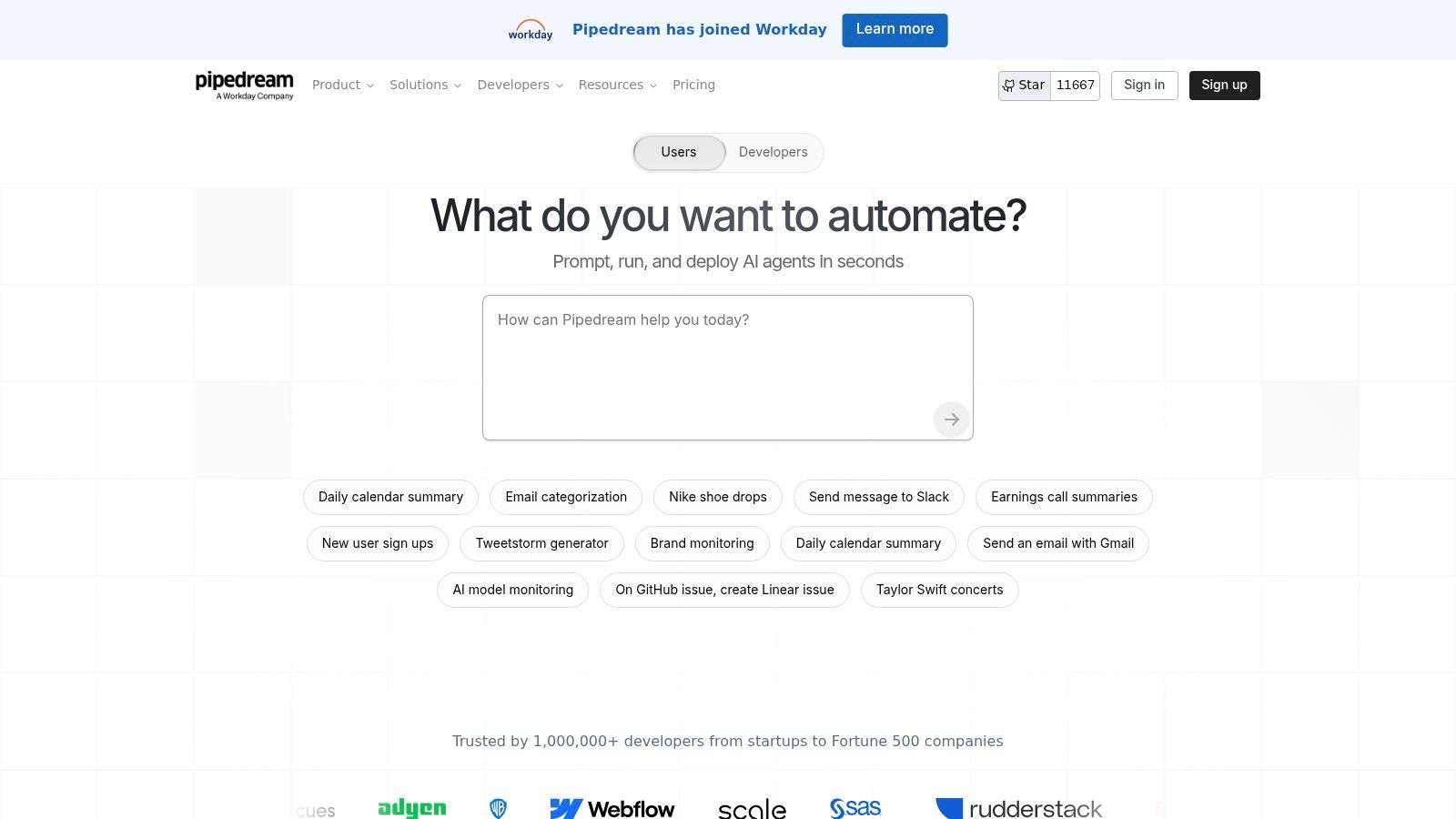
For SMEs, the operational problem it solves is speed without sacrificing code-level control. A developer can trigger logic from a webhook, enrich a record, and call downstream APIs in one place. The platform's secrets management and compute-credit model also suit teams that want to prototype and push into production without changing tools too early.
The trade-off is governance depth. Pipedream is less suited to non-technical operators who want a broad drag-and-drop build experience, and it offers lighter control than enterprise iPaaS platforms. That makes it better for teams that are comfortable owning the technical layer, not for broad citizen development.
Pricing also needs scrutiny. Compute-based billing can work well for efficient flows, but frequent or complex jobs can change the cost picture quickly. For SME tech teams, Pipedream is strongest where code is part of the workflow itself, and weakest where process ownership needs to sit outside engineering.
8. Activepieces
Activepieces stands out for a different reason than most workflow tools. It combines AI-first automation, self-hosting options and open-source flexibility, so SMEs can choose between convenience and control instead of accepting a fixed platform model. Visual flows, connectors, tables and native AI pieces or agents cover the basics, while BYO AI keys keeps the AI layer under the team's own account.
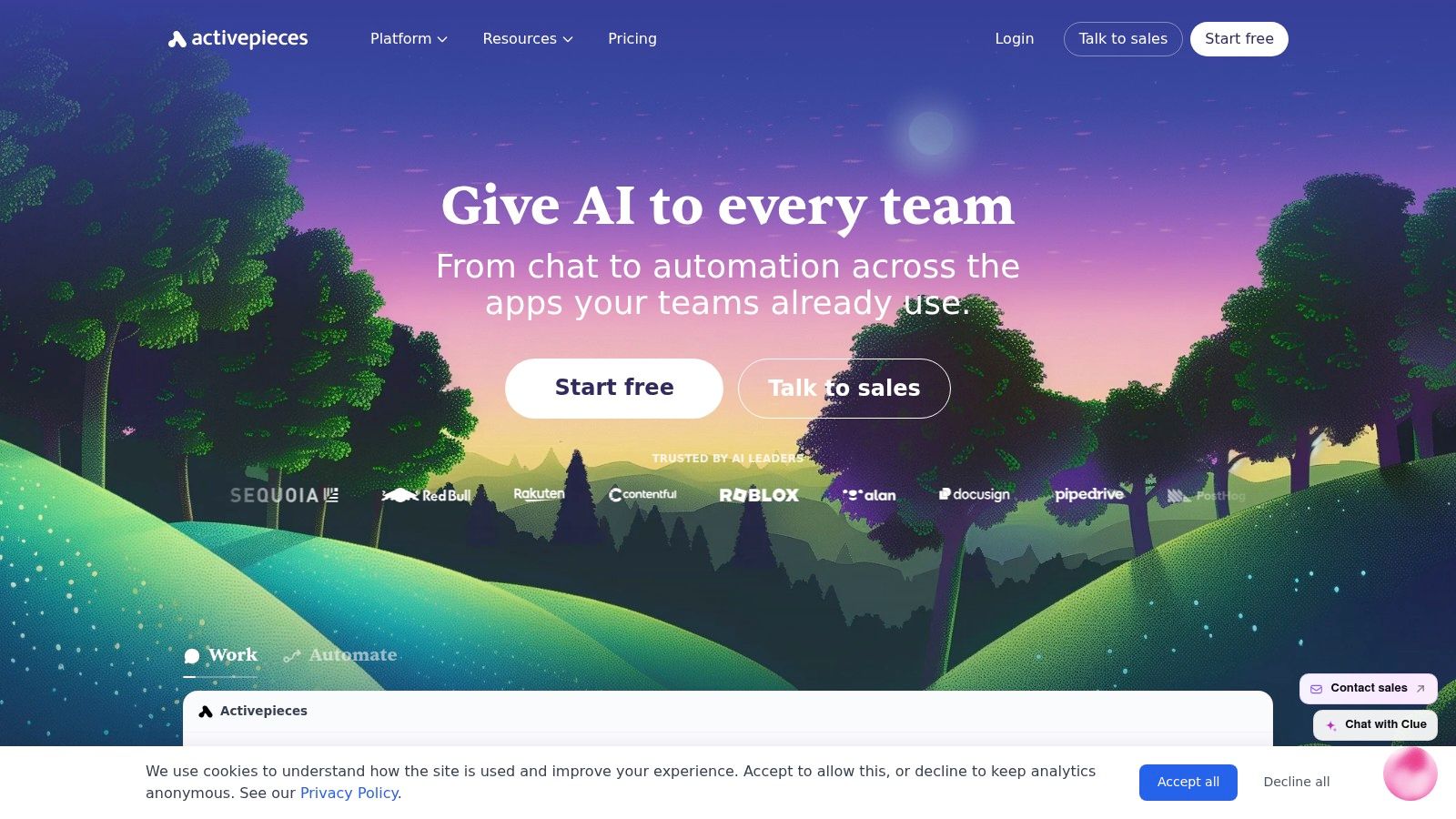
The operational fit is strongest where data control matters as much as automation speed. Cloud deployment is available, but on-prem support gives organisations a clearer route to governance when AI steps touch sensitive information. For smaller firms, that can matter more than a larger connector library, because the main problem is often not building more automations, but deciding where sensitive work should run.
The trade-off is maturity. Activepieces has a smaller connector catalog than the largest suites, and some admin capabilities are still developing. It works better as a flexible platform for a well-defined workflow than as a ready-made integration universe.
For SMEs, that makes it a practical choice when ownership and deployment control matter more than breadth. It suits teams that want modern automation patterns close to their own infrastructure, while accepting that some integrations and controls will take more setup than in larger, more established tools.
9. Airtable Automations
Airtable Automations is strongest when Airtable already holds the operational record. The trigger sits on the same table the team uses every day, so simple follow-up steps stay close to the data instead of being pushed into a separate automation stack. For SMEs, that usually solves a narrower problem, keeping a shared tracker, intake board or lightweight operations hub in sync.
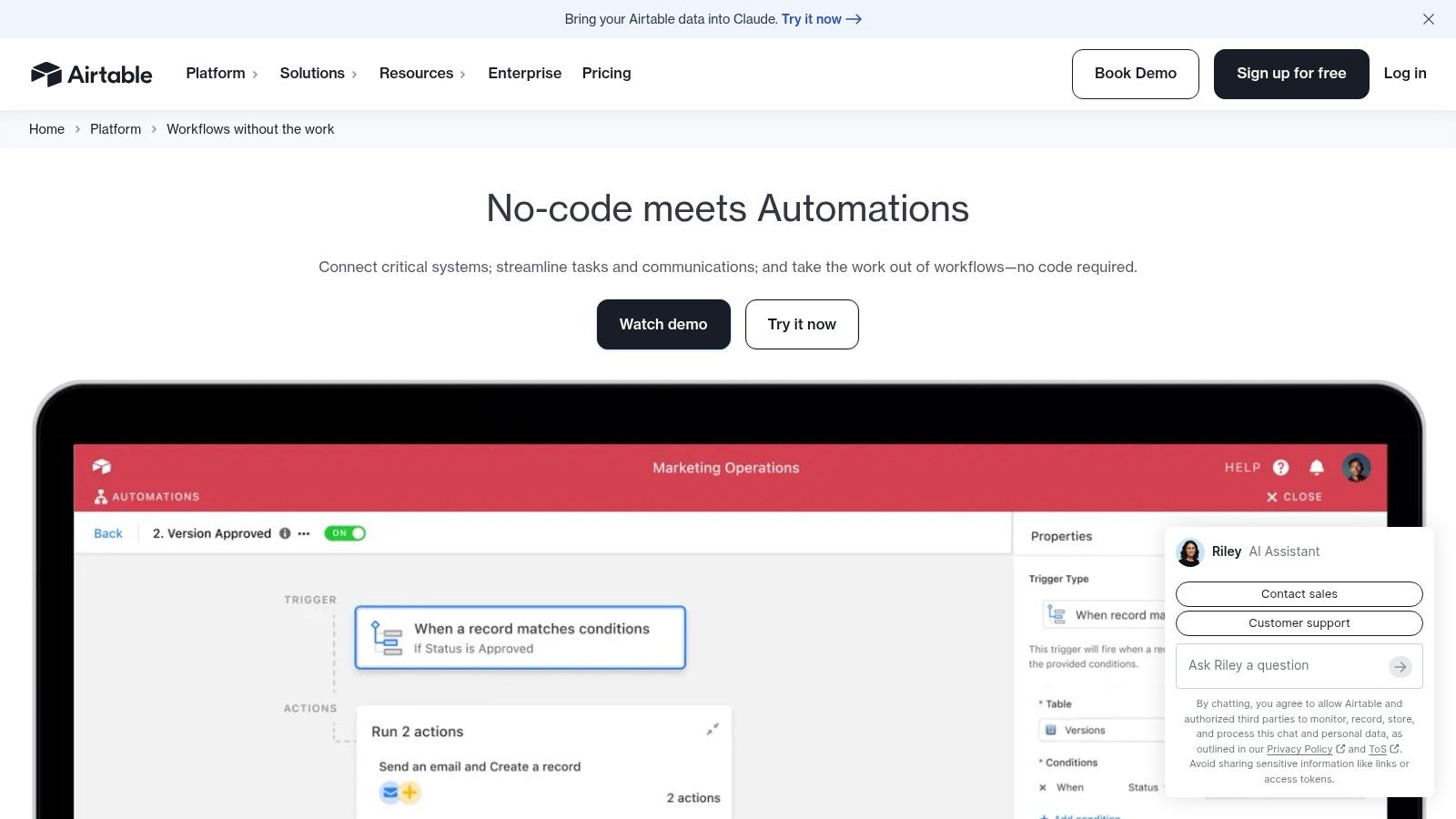
The trade-off is scope. Airtable is suited to notifications, record updates, basic approval routing and internal coordination, but it is not built for deep integration estates or complex cross-system orchestration. Connector breadth is narrower than dedicated iPaaS tools, and plan-based usage limits can matter once a team pushes beyond contained workflows.
That restraint is also its appeal. If the data model, the workflow and the users are already inside Airtable, automation becomes easier to audit and maintain than a chain of external tools. Governance is still lightweight, but the control surface is clearer because the process lives where the records live.
For SMEs, Airtable Automations fits best as an operational layer, not a central integration platform. It works well for data-first processes that need speed and visibility, while larger or more brittle workflows will usually outgrow it.
10. Pipefy
Pipefy suits structured departmental processes in HR, finance, procurement and operations. It combines workflow automation with forms, SLAs, approvals and process templates, so the product focuses on standardising how requests enter the business and move through it. That makes it stronger on process consistency than on broad app integration.
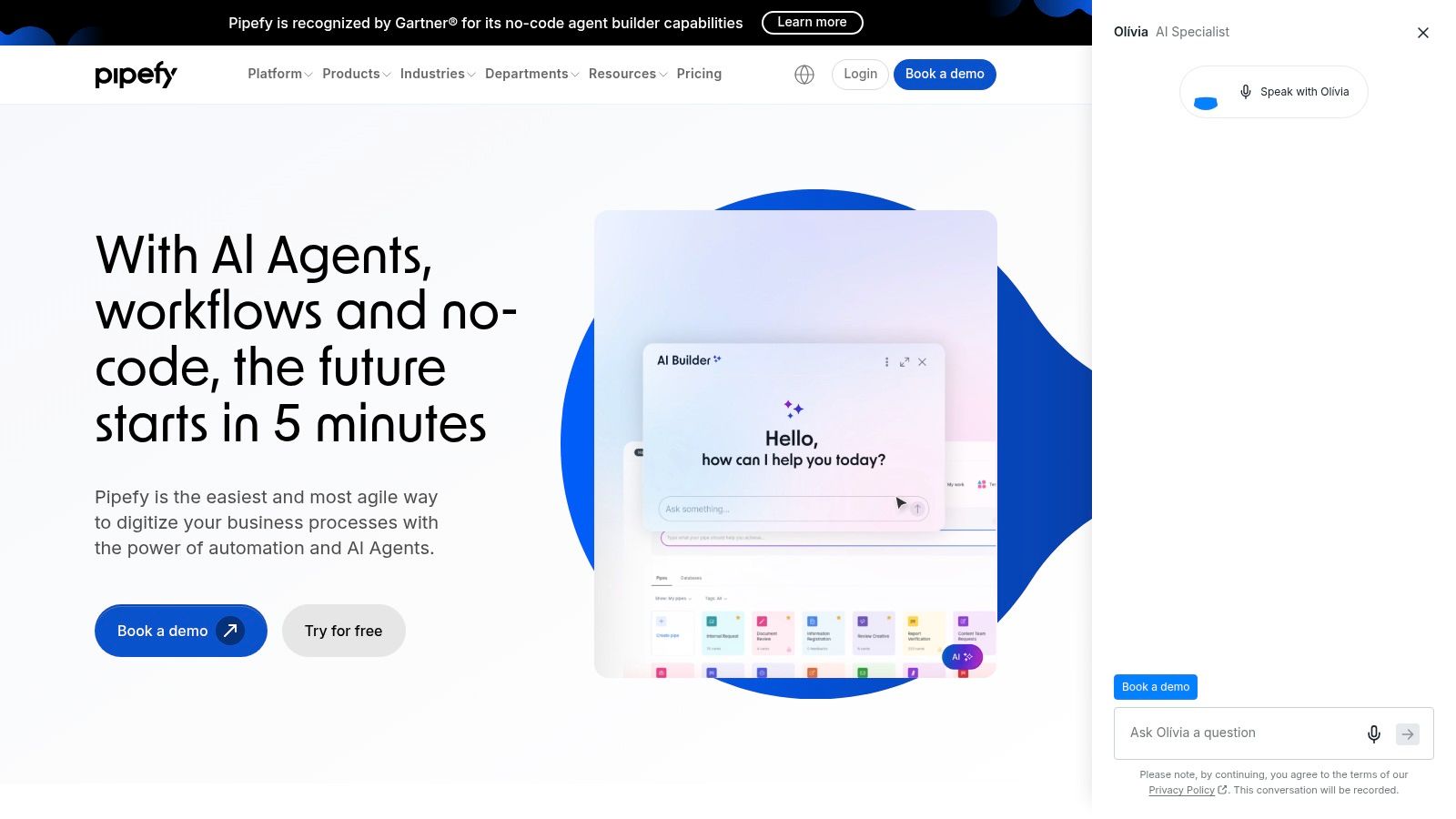
For SMEs, the main value is control over a repeatable workflow. Portals, Kanban-style views and conditional logic make it easier for non-technical teams to run approvals and intake without building a general-purpose automation stack. Predictable per-user pricing also gives finance a clearer budgeting model than metered task plans.
Pipefy is less convincing once the process becomes integration-heavy. If several systems must exchange data, Pipefy often becomes the front end while another platform handles orchestration underneath. That division is practical, but it also means Pipefy is a process layer first and an integration hub second.
For teams comparing tools across use cases, that distinction matters. Pipefy is a good fit when the operational problem is messy approvals, inconsistent handoffs or ad hoc requests. It is less suitable when the issue is cross-system automation, strict data control across multiple environments or workflows that need deeper technical customisation.
Best use case: departments that keep rewriting the same manual approval process and need a standard, visible system before they automate anything more complex.
For SMEs trying to bring order to department-level workflow chaos, Pipefy usually solves the immediate process problem more directly than a broad integration suite.
Top 10 Workflow Automation Tools Comparison
| Platform | Core capability | Target audience 👥 | Unique selling points ✨/🏆 | Ease & adoption ★ | Pricing/value 💰 |
|---|---|---|---|---|---|
| Zapier | No‑code app-to-app automations & templates | Non‑technical SMEs, prototyping teams 👥 | 🏆 9,000+ connectors; fastest time‑to‑value ✨ | ★★★★★ | 💰 Task‑based; can scale up |
| Make (Integromat) | Visual scenario builder with data transforms | Teams needing complex branching without full code 👥 | ✨ Fine‑grained data mapping, replay/debugging | ★★★★ | 💰 Credit‑based; forecasting tricky |
| Microsoft Power Automate | Low‑code cloud flows + Desktop RPA (M365 native) | MS‑centric enterprises, regulated UK orgs 👥 | 🏆 Enterprise governance, desktop RPA, UK data options ✨ | ★★★★ | 💰 Licence tiers; complex but enterprise‑ready |
| Workato | Enterprise iPaaS with lifecycle & governance | Large organisations needing governed, mission‑critical automations 👥 | 🏆 Recipe lifecycle, testing & strong governance ✨ | ★★★ | 💰 Quote/enterprise pricing; predictable at scale |
| Tray.io | Developer‑centric iPaaS for API‑heavy workflows | Technical teams building advanced integrations 👥 | ✨ Advanced API patterns, enterprise security/GDPR focus | ★★★★ | 💰 Quote-based; higher TCO |
| n8n | Open‑source node-based automation; self‑host option | Teams wanting data residency, extensibility & cost control 👥 | ✨ Self‑hostable, extensible, cost‑effective at scale | ★★★ | 💰 OSS/free or n8n Cloud; predictable |
| Pipedream | Event‑driven workflows with inline code (Node/Python) | Developers stitching APIs & custom logic 👥 | ✨ Fast prototyping with per‑step code, secrets mgmt | ★★★★ | 💰 Compute‑credit metering; generous free tier |
| Activepieces | AI‑first automation with cloud & on‑prem options | Teams wanting AI steps + optional self‑hosting 👥 | ✨ Native AI pieces/agents, BYO AI keys, OSS option | ★★★ | 💰 Competitive; cloud & on‑prem plans |
| Airtable Automations | Native trigger‑action automations inside bases | Teams using Airtable for lightweight ops & records 👥 | 🏆 Automate where your data lives; minimal context‑switch ✨ | ★★★★★ | 💰 Included in Airtable plans; run caps apply |
| Pipefy | Process & work management with automation, forms & SLAs | HR, finance, procurement and ops teams standardising processes 👥 | ✨ Business‑friendly UX, templates, SLAs & approvals | ★★★★ | 💰 Per‑user predictable; SMB‑friendly |
Choose the Smallest Tool That Will Scale
The best workflow automation tools for SMEs are the ones that match the workflow, not the hype. Start by mapping the process and its exception paths, then identify the systems and data involved, because a neat-looking automation can fail once an edge case appears. Estimate volume against the tool's metering model, check security and UK or EU data requirements, assign someone to monitor failures, and pilot one measurable process before you widen the scope.
For contained, lightweight needs, Zapier or Airtable Automations are often enough. For more intricate visual logic, Make is a stronger fit. For Microsoft estates and desktop RPA, Power Automate is the natural shortlist. For greater deployment control, n8n or Activepieces deserve attention. For code-led API work, Pipedream is usually the fastest route. For structured departmental processes, Pipefy is hard to ignore. When governance and scale justify enterprise iPaaS, Workato or Tray.io move closer to the top.
The biggest mistake is buying for the best-case version of your future process instead of the messy version you have today. UK evidence points to a real implementation gap, not just a software gap, which means ownership, training and workflow fit matter as much as feature lists (UK desk-worker survey, UK AI adoption research).
If no single off-the-shelf tool fits cleanly, that's where a consultancy-style build can help. InnovaAI Integration Ltd works with SMEs on scoping, build, integration, dashboards and training, which is often the difference between a promising tool and a workflow people use every day.
InnovaAI Integration Ltd helps SMEs turn workflow ideas into working systems, including custom AI agents, admin automation, dashboards and integrations that fit how teams already operate. If you're comparing the best workflow automation tools and need help choosing, building or training around the right approach, visit InnovaAI Integration Ltd to discuss a practical next step.
Published via Outrank tool