10 Workflow Automation Software Options for Property Firms
workflow automation softwareproperty management softwareprocess automationRPA softwarebusiness integrations

Tuesday, 8:47am. The shared inbox is already full, one gas certificate renewal hasn't been checked against the diary, and the tenant who messaged at 8pm last night still hasn't had a proper reply because the person who knows the history starts at 9. Nobody in the office is idle. The problem is that the hand-off keeps breaking between Reapit or Alto, the spreadsheet someone trusts more than the system, the inbox, and the person who has to make the final call.
That's why most workflow automation software disappoints property firms. It's bought as a tool, but the issue is process design and who approves what. In UK organisations, user adoption was the top workflow digitisation challenge at 42%, followed by change management at 41%, with technology choice behind that at 35% in one UK survey on workflow digitisation (Adobe survey summary). So this isn't about replacing your property platform. It's about connecting to what you already run, then putting a proper approval step in front of anything going to a tenant, landlord or regulator.
I build these systems for agents and operators across the West Midlands and UK, and I run property myself. The useful comparison isn't feature count. It's whether the platform can cope with maintenance triage, certificate renewals, tenancy progression, voids, service charges or booking updates without creating a second mess to manage. If you run lettings, block management or short stays, the property automation work for letting agents is a better frame than generic software reviews. If you want to pressure-test where the backlog is coming from before you buy anything, the AI readiness scorecard is a practical place to start.
Table of Contents
- 1. InnovaAI Integration Ltd
- 2. Zapier
- 3. Make
- 4. Microsoft Power Automate
- 5. Workato
- 6. Tray
- 7. n8n
- 8. UiPath
- 9. Automation Anywhere
- 10. Pipedream
- Top 10 Workflow Automation Tools Comparison
- Start With the Handoff That Keeps Failing
1. InnovaAI Integration Ltd
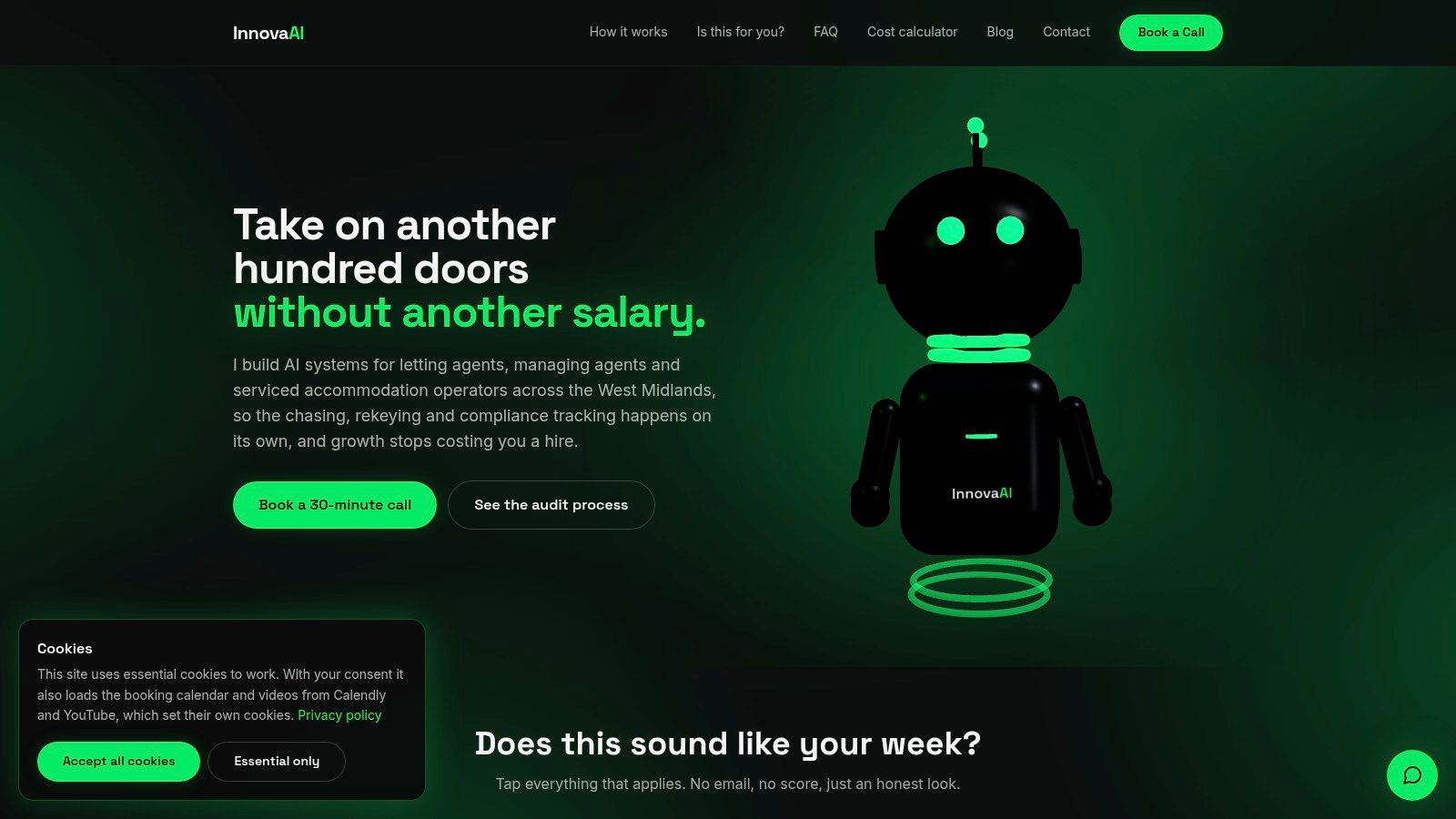
Monday starts with a maintenance report from a tenant, a contractor update in another inbox, and a property record sitting in Reapit or Alto that nobody has checked yet. By the time someone copies the details into Fixflo, chases a certificate, and drafts a landlord update, the issue is no longer speed. It is control. If your operation already runs on Reapit, Alto, Fixflo, Arthur or Qube, bespoke automation often fits better than forcing staff into a generic tool and another dashboard. That is the model at InnovaAI Integration Ltd.
The practical advantage is that the build sits over the systems you already use. A negotiator stays in the CRM. A property manager still works from the maintenance system. Accounts keeps its approval points. The automation handles the hand-off between them, then stops before anything goes out to a tenant, landlord or regulator without a person signing it off.
That matters in property operations because the messy workflows are rarely single-app jobs. A maintenance triage flow might need to read the tenancy record, check contractor rules, draft the next action, log notes back into the source system, and hold the outgoing message for review. Certificate renewals, tenancy progression, void works, service-charge queries and short-stay booking turnarounds follow the same pattern. The value is in connecting the operational steps without removing human approval where the risk sits.
Where bespoke wins
InnovaAI makes more sense when you need process control around property work, not just a trigger and an email. The firm offers custom AI agents, workflow automation, dashboards, internal web apps and integration work, plus team training after launch. That last part matters. A technically sound build still fails if branch staff bypass it and return to spreadsheets or inbox chasing.
I would put this route in front of an owner who already knows where the repeated failure happens. For example, maintenance comes in through one channel, approval sits with another person, and updates to landlords happen late because no one trusts the hand-off. A custom build can mirror that real approval chain instead of asking the team to squeeze it into a generic template.
Trade-offs that matter
The strengths are clear. You get a system shaped around your rules, your approval points and the property stack you already pay for. That is useful if you need to connect awkward combinations such as Reapit with contractor comms, Qube with finance checks, or Arthur with operational alerts. Fixed-price scoping can also suit firms that want a defined delivery plan rather than open-ended experimentation.
The trade-off is effort and visibility. There is no public price list because cost depends on the process, systems and amount of integration work. You also need a proper scoping conversation before you know whether the problem is simple automation, API work, or a bigger process redesign. That makes this less suitable for teams who want to sign up today and test a lightweight flow themselves this afternoon.
Choose this path if the software is not the main problem. The hand-off is.
2. Zapier
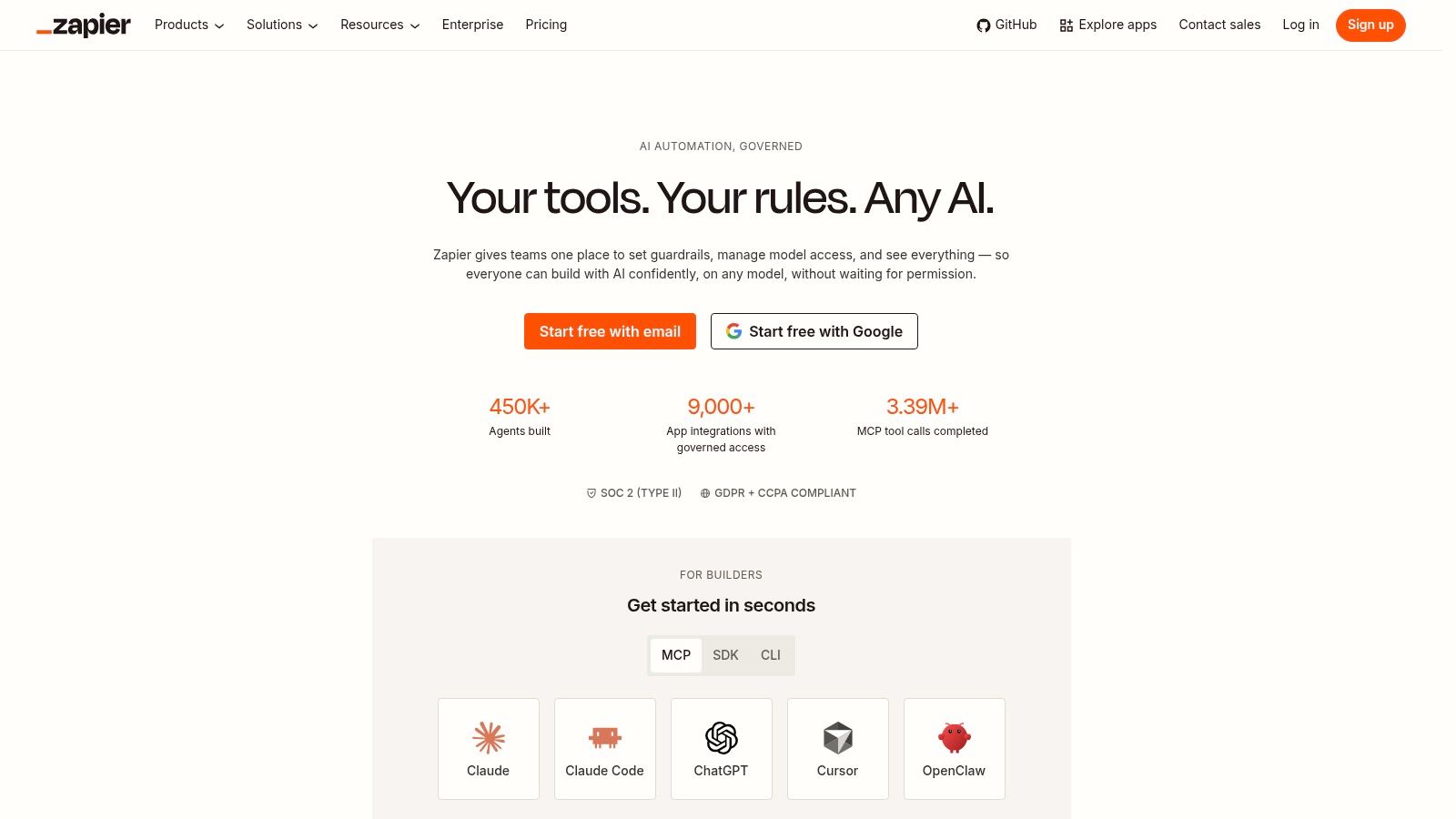
Zapier is the quickest way to connect cloud tools when the process is fairly clean already. If your team lives in Microsoft 365, Gmail, Slack, Xero, forms and calendars, it's often the fastest route from manual copy-paste to a working flow. You can review broader categories in this round-up of workflow automation tools, but in property businesses Zapier tends to sit best around the edges of the core platform rather than deep inside it.
For example, it can catch a web form, create a task, notify the right person, update a spreadsheet, and draft an email for approval. That's useful for valuation leads, viewing confirmations, contractor chasing and basic comms queues.
Where it works, and where it doesn't
Zapier is strong when the apps have ready-made connectors and the logic isn't too tangled. It's weak when you need heavy process control around property records, finance states, or awkward systems without good APIs.
The big pricing issue is volume. Zapier's task-based charging is easy to understand at first, but chatty workflows can rack up usage fast. Property operations often create exactly that pattern. One message becomes multiple checks, updates, notes and notifications.
Don't use Zapier as a hiding place for a broken process. If three staff members still have to interpret every case differently, the automation will only move the confusion faster.
If you want a tenant message acknowledged, triaged and drafted for sign-off, Zapier can do that well enough. If you want deep orchestration across Reapit or Qube, accounts data, contractor logic and exception handling, it usually stops being the sensible choice.
3. Make

Make suits operators who need more branching, parsing and control than Zapier gives them. Its visual builder is better for messy real-world flows, especially when one trigger can split into several routes. That's common in property. A maintenance report might need one route for emergency response, another for routine works, and another for “missing information, ask the tenant before booking anything”.
Why operations teams like it
Make is very good at handling multi-step scenarios. You can route, filter, transform data and inspect failures in detail. If your current process still depends on spreadsheets because the team doesn't trust the hand-off between systems, Make often gives enough visibility to rebuild that confidence.
UK adoption trends also explain why tools like this now land better than they did a few years ago. In official UK analysis, cloud-based computing systems and applications were used by 69% of firms, specialised software by 61%, specialised equipment by 36%, and AI by 9% in 2023 (UK business software adoption analysis). In plain English, the base layer is already there. Firms aren't starting from paper. They're trying to connect the software estate they already have.
The catch
Make's pricing model can be good value, but only if someone actively watches operations and overages. It also assumes somebody in the business, or your build partner, is comfortable with more technical workflow design.
Use it when your process has real branches and exception paths. Don't use it if the team needs the simplest possible admin surface and nobody wants to own the logic once it's live.
4. Microsoft Power Automate
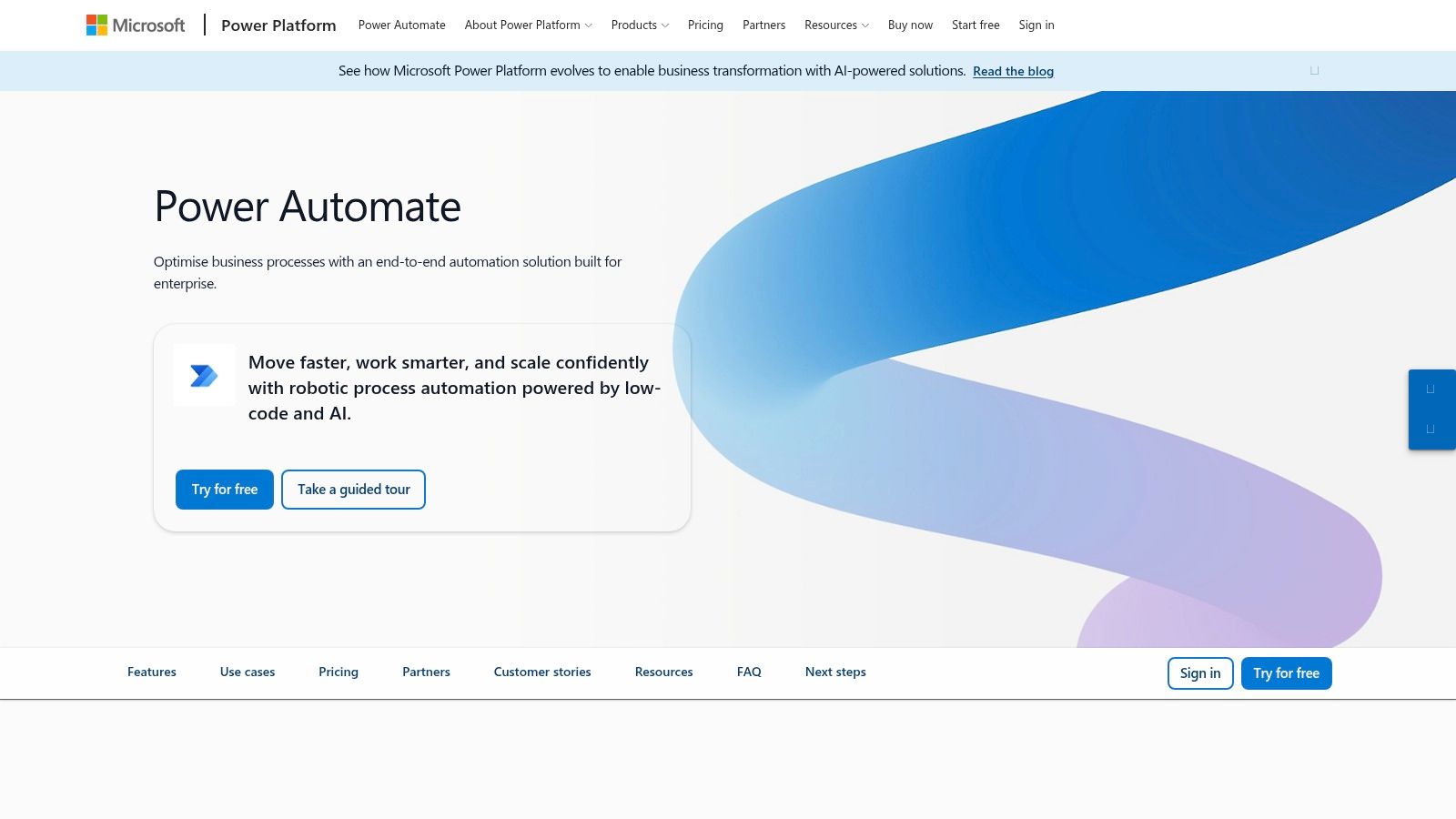
If your office already runs heavily on Microsoft 365, Power Automate deserves a hard look. Outlook, Teams, SharePoint, Excel and the rest of the stack already sit inside the way most property firms work. That gives Power Automate an advantage before you've built anything.
There's also a useful primer on workflow automation for small business if your team is still deciding whether to automate or just hire again. My view in property is simple. If staff are retyping the same update between inbox, spreadsheet and platform, software is usually the right fix before another salary is.
Best fit in property
Power Automate is strong for internal approvals. Certificate reports, arrears exception reviews, contractor document checks, payment query routing and tenancy progression tasks are all good candidates when the team already lives in Outlook and Teams.
It's also one of the few options here that can move into desktop automation if you're stuck with a legacy interface. That matters more than people admit. Plenty of firms still depend on systems or screens that were never built for modern API-led automation.
Where owners get caught
Licensing can get messy. The entry point looks attractive, then premium connectors or unattended desktop flows change the cost picture. That doesn't mean it's poor value. It means you need to understand the charging model before someone builds half the operation on the wrong licence type.
A second issue is false confidence. Because it's Microsoft, people assume it will naturally fit every process. It won't. It fits Microsoft estates very well. It still needs proper process mapping if you want reliable hand-offs.
5. Workato
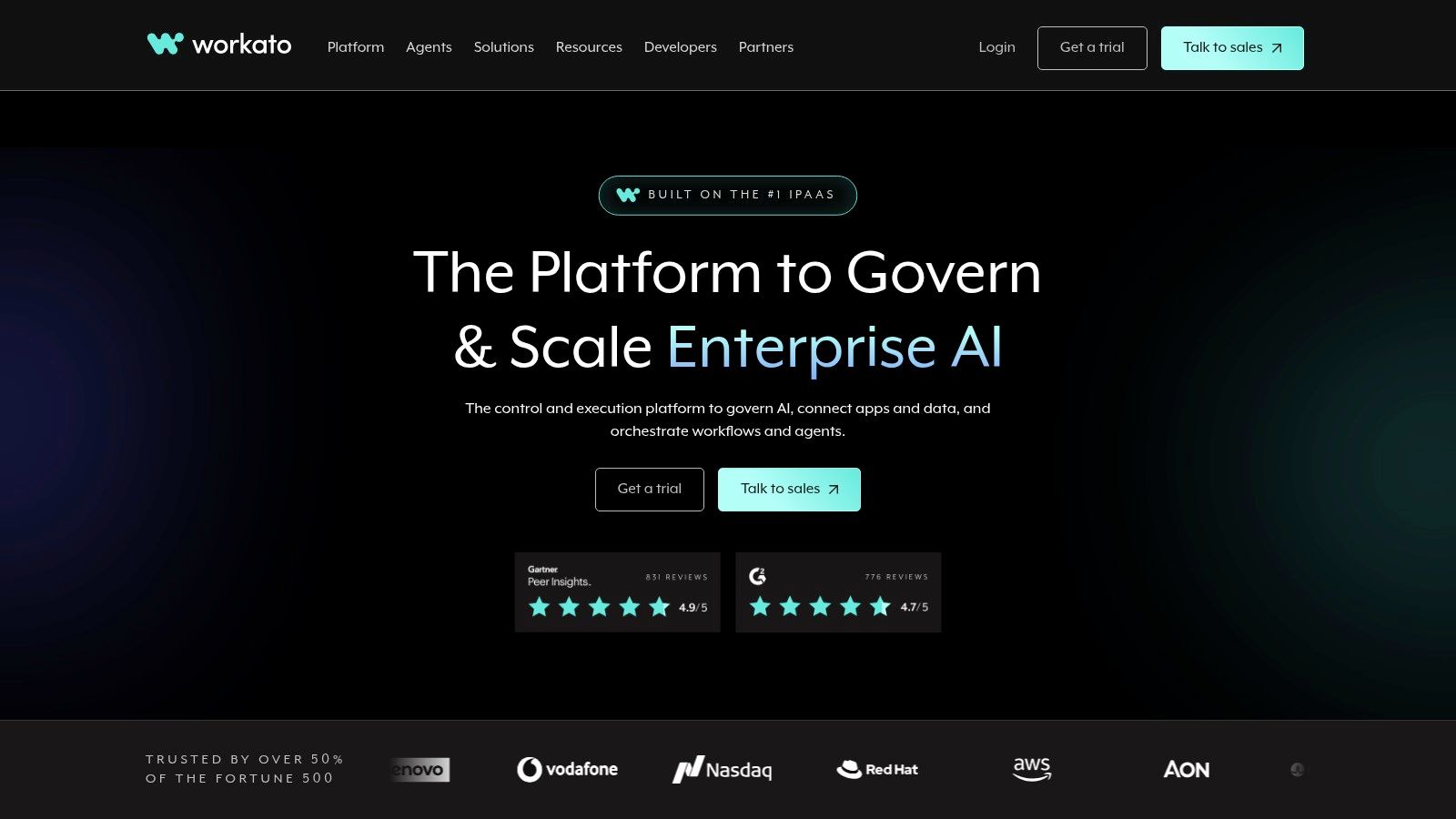
Workato sits further up the market. It's built for bigger estates, heavier governance and more formal control over environments, deployment and cross-system orchestration. If you want a better frame for that category, this guide to system integration software points in the right direction.
For independent property firms, that can be either exactly right or completely too much. There isn't much middle ground.
When it earns its place
If you've got several departments, multiple line-of-business systems, strict audit needs and a serious data discipline, Workato can make sense. That's more likely in larger block-management groups, mixed portfolios, or businesses with unusual reporting and finance requirements.
Governance is also becoming a bigger issue than most owners expect. In one automation survey, governance was the biggest barrier to AI adoption in automation at 30%, ahead of privacy risks at 24% and security concerns at 10% (Workato automation and AI report). That matters when staff want AI to draft responses, interpret documents or route work, but directors still need control over what leaves the business.
Worth keeping in mind: The more departments a workflow touches, the less this is about clever prompts and the more it is about permissions, audit trail and exception handling.
Why many SMEs should pass
Workato can be over-specified for a firm that mainly needs maintenance triage, renewal chasing and inbox routing. Pricing is sales-led, and the platform makes most sense where governance needs are already mature. If your operation still relies on one key person knowing where everything is, start simpler.
6. Tray
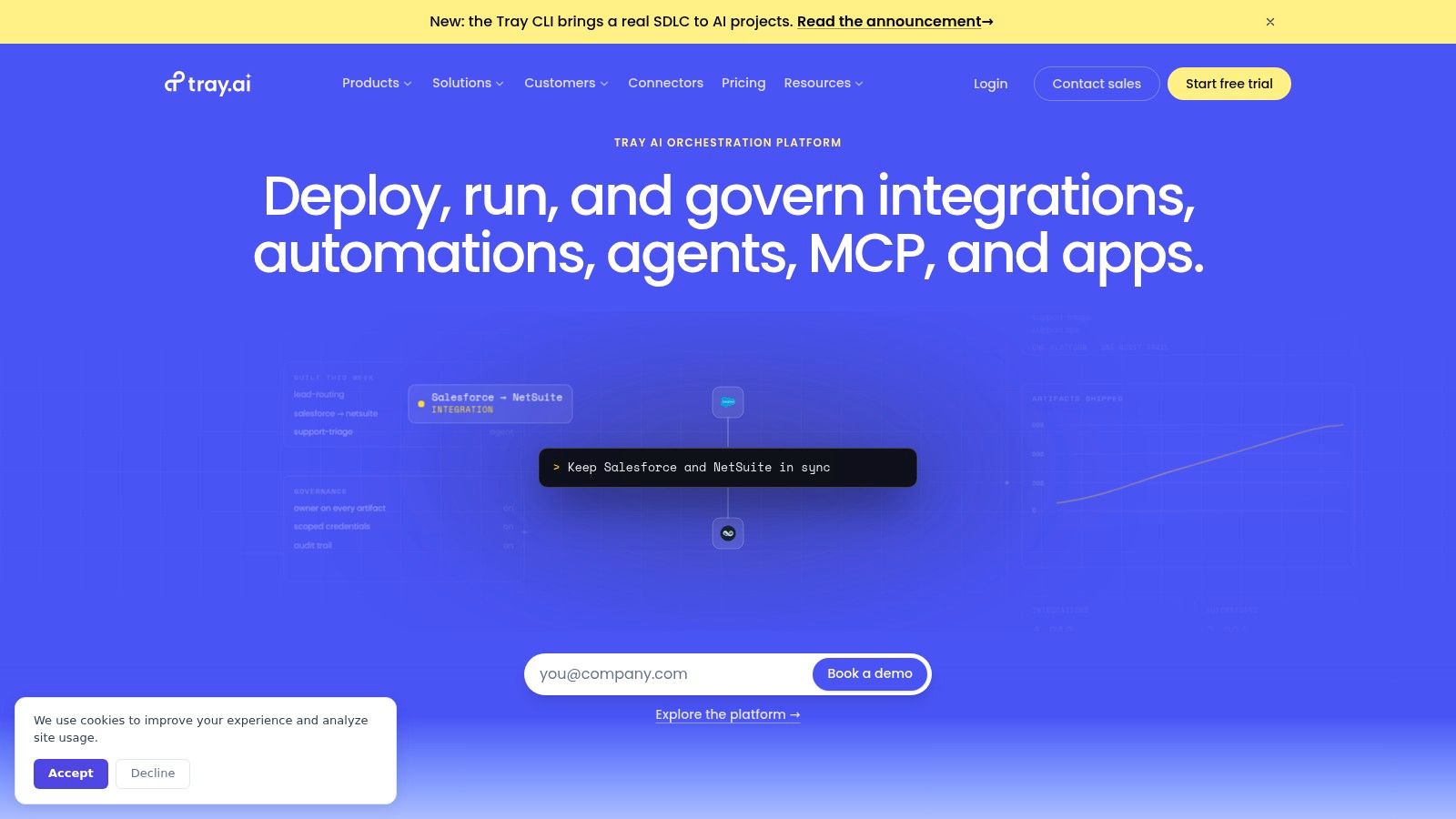
Tray is a solid low-code integration platform, but in property it usually comes into its own when a business has outgrown lightweight automations and wants more structure without jumping straight to the heaviest enterprise stack.
Its background in revenue and operations workflows means it feels at home with lead routing, customer data movement and process control across several systems. That can still be relevant for property firms with a strong lettings pipeline, sales arm, landlord acquisition engine or corporate bookings model.
Practical fit for agency owners
Tray is better than many lighter tools when you need repeatable operational patterns managed properly. Think landlord lead hand-off, valuation booking flows, branch-to-central ops routing, or booking and guest data updates between several platforms.
It's less naturally aligned to day-to-day property management quirks than a bespoke build on top of your stack. You can make it work, but you'll want someone technical around the setup and maintenance.
Main trade-off
The issue for smaller firms is commercial clarity. Public pricing isn't front and centre, so the buying process tends to involve a proper sales conversation. That's fine if you know you need a serious integration layer. It's less appealing if you just need to stop your team copying updates between inbox and spreadsheet.
I'd shortlist Tray when the business already thinks in systems and process ownership. I wouldn't pick it as the first automation move for a firm still trying to get one recurring hand-off under control.
7. n8n
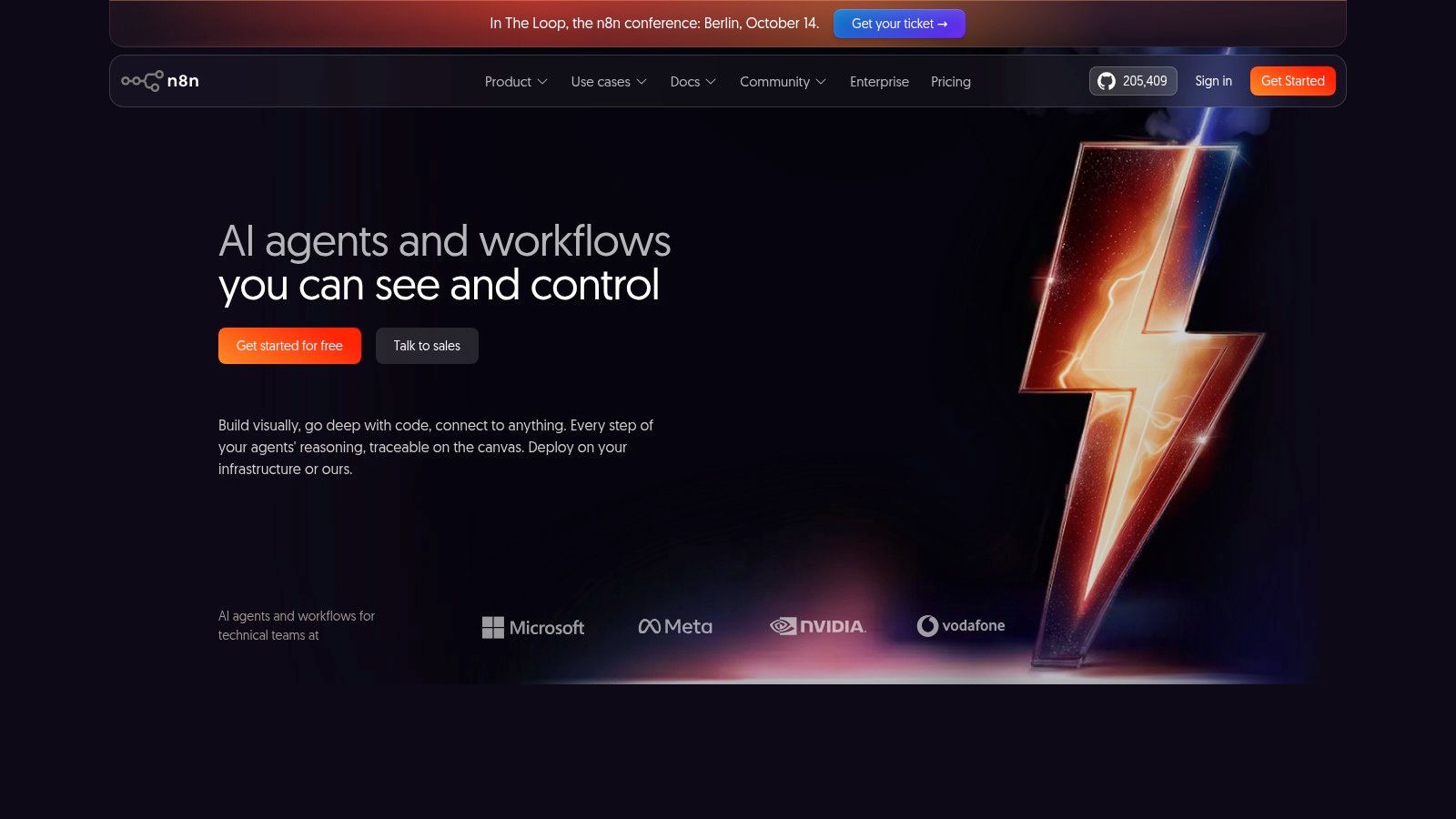
n8n is the option for teams that want flexibility and control over where data lives. If GDPR concerns, data handling, or self-hosting matter, it's a serious contender. For UK firms handling sensitive personal data, contractor records, client money support processes or leaseholder information, that can be a decisive factor.
Why technical teams rate it
n8n is powerful because it doesn't box you into pre-set patterns. You can mix nodes, custom code and integrations in one workflow. That makes it useful for odd property workflows where you need to validate data, call several services, store records and route by business rules that aren't standard.
The wider UK market is moving in this direction too. Official UK business data showed 35% of businesses with 10 or more employees reported using at least one AI technology in June 2026, up from around 12% in September 2023, with usage higher in larger firms (UK AI adoption data). The practical point isn't hype. It's that AI-enabled automation is now being embedded into mainstream business software, so flexible orchestration layers matter more.
Who should avoid it
n8n isn't the right first step for a non-technical agency owner who wants a self-serve tool the office can click around in by Friday. It needs more engineering comfort than Zapier or basic Microsoft flows.
If you've got a technical partner, internal capability or a build firm managing it, n8n can be excellent. If not, it can become another thing the business depends on but nobody really owns.
8. UiPath

UiPath is what you look at when the blocker is a bad interface, a legacy desktop process or documents that still have to be lifted, classified and keyed somewhere awkward. It's stronger than the lighter workflow automation software tools when the work isn't clean API-to-API orchestration.
That makes it relevant in parts of property accounting, supplier paperwork, historic back-office routines and some document-heavy admin where staff still click through the same screens all day.
Best use in property
The obvious use case is finance admin and document handling. A UK study of 418 senior leaders found only 10% of organisations reported highly automated banking and payment workflows across most processes, while 19% still relied mainly on manual matching of bank transactions and payments to invoices, customers, cases or internal records (UK finance admin research). In property terms, that should sound familiar.
UiPath can help when staff are still reconciling, matching, moving PDFs around, or navigating systems that don't expose the right data cleanly. But human checks matter most here, especially around client money, payment decisions and compliance-sensitive records.
Never let desktop automation make legal or money decisions on its own. Let it gather, match, draft and flag. Let a person approve.
The downside
UiPath brings serious capability, but it also brings a steeper learning curve. For simple message routing or certificate reminders, it's too much. Use it where the pain comes from manual screen work and document-heavy processes, not because you like the sound of RPA.
9. Automation Anywhere
Automation Anywhere lives in a similar part of the market to UiPath. It's aimed at larger, more controlled business-process automation work, especially where attended and unattended bots, governance and analytics need to come together.
For most independent property firms, that means it's usually a specialist pick rather than a default shortlist name.
Where it can fit
If your operation includes high-volume repetitive work across web and desktop systems, Automation Anywhere can take a serious amount of manual handling out of the background process. Think invoice support tasks, repetitive back-office updates, or repetitive admin in a multi-brand or multi-entity setup.
It also suits firms that already have IT support and formal process ownership. Without that, bot estates tend to drift.
Why many property businesses won't need it
This level of RPA can solve the wrong problem if the root issue is poor process design. If the tenancy progression team still handles every case differently, or maintenance requests aren't categorised properly at the start, a bot won't fix that. It will just copy the inconsistency at speed.
Commercially, it's also harder for smaller firms to forecast. Pricing is usually sales-led, and consumption models can be fiddly to estimate if you don't already know your process volumes and bot behaviour.
10. Pipedream
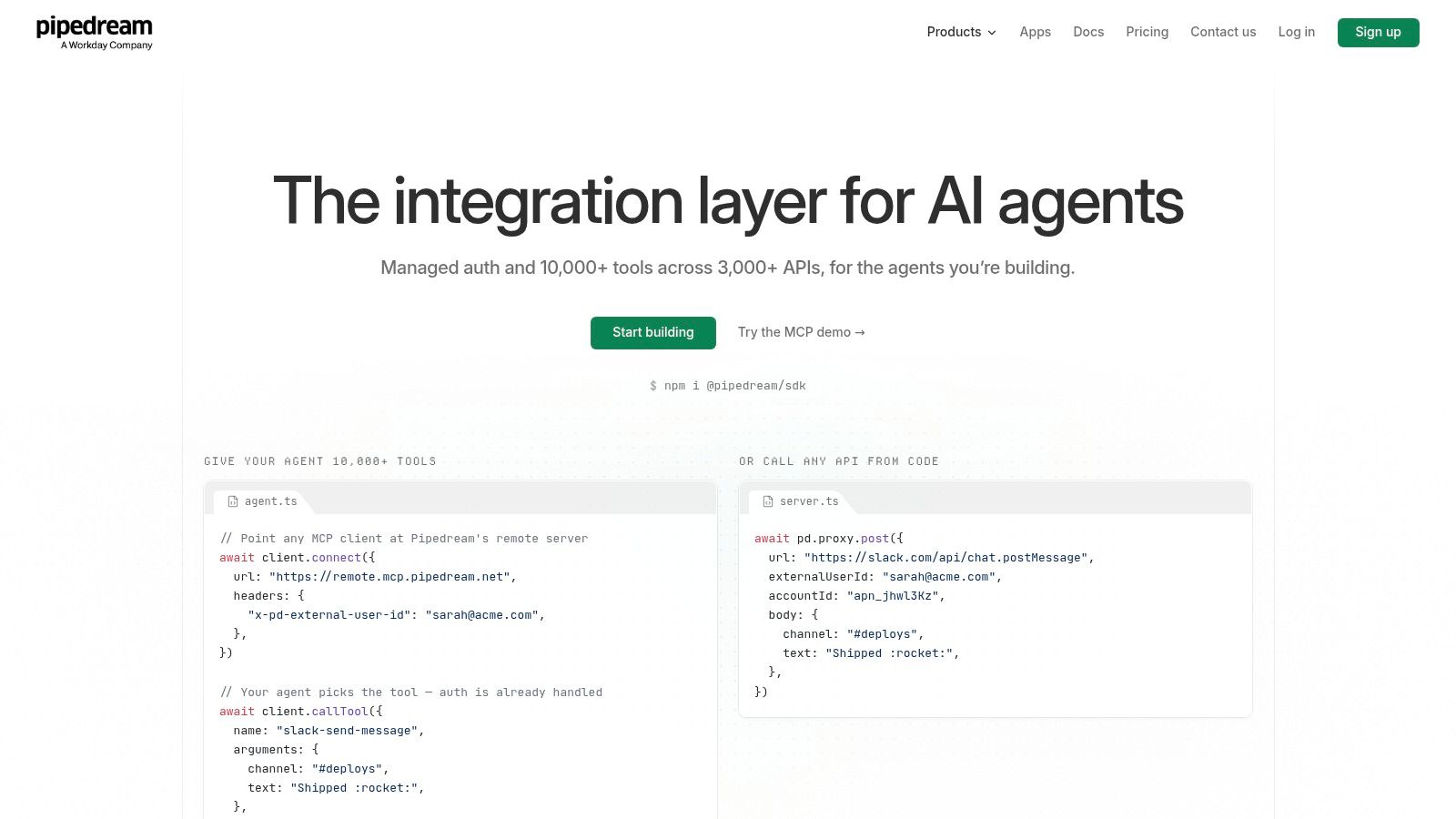
Pipedream is for code-friendly builds. If you want developers moving fast on custom integrations, API calls and lightweight internal workflow logic, it's a very capable option. If you want a branch manager or property manager building their own automations visually, it isn't.
Why it appeals to builders
Pipedream makes it quick to stitch services together, write logic inline and manage authentication without building a lot of plumbing from scratch. That can be useful for custom booking workflows, channel-manager side processes, or unusual integrations around messaging, forms and internal tools.
It's a good choice when the property workflow automation job is clearly a development task rather than an off-the-shelf SaaS configuration exercise.
Where it stops being sensible
The issue is ownership. A code-heavy platform only works if someone technical will maintain it. If the original developer disappears, the business can be left with something powerful but opaque.
There's also a broader SME reality here. A Department for Business and Trade report found that four in ten SMEs said they actively used technology and it was integral to the business in an online survey, while a telephone survey returned a higher figure of 53%, showing a real gap between digital intent and embedded use (DBT SME technology adoption report). That gap is exactly why code-heavy tooling needs a clear owner, documentation and a proper operating process.
Top 10 Workflow Automation Tools Comparison
| Solution | Core features | Quality (★) | Price / Value (💰) | Target audience (👥) | Unique selling points (✨) |
|---|---|---|---|---|---|
| InnovaAI Integration Ltd 🏆 | Custom AI agents, workflow automation, dashboards, bespoke web apps, hands‑on advisory & training | ★★★★★; 50+ builds, 500+ trained | 💰 Fixed‑price after scoping; bespoke engagements | 👥 UK SMEs, ops leaders, product managers (West Midlands focus) | ✨ End‑to‑end ownership (strategy→build→enablement); adoption‑first training; named practitioner |
| Zapier | No‑code connectors, visual editor, AI orchestration, SDK | ★★★★☆; rapid time‑to‑value | 💰 Task‑metered; predictable for small volumes, can grow costly | 👥 Non‑technical SMEs, marketing/ops teams | ✨ 9,000+ integrations; large vendor ecosystem |
| Make (Integromat) | Visual scenarios, routers, iterators, on‑prem agent | ★★★★; strong debugging & tracing | 💰 Credits‑based; good value for complex flows | 👥 Ops teams needing complex multi‑branch workflows | ✨ Powerful data manipulation; EU/US hosting options |
| Microsoft Power Automate | Low‑code cloud flows, attended/unattended RPA, Dataverse integration | ★★★★; native MS fit | 💰 Per‑user entry; premium connectors & unattended RPA cost extra | 👥 Microsoft‑centric enterprises & public sector | ✨ Deep M365/Dynamics integration; process mining |
| Workato | Enterprise iPaaS, lifecycle & API management, EDI/B2B support | ★★★★☆; enterprise‑grade governance | 💰 Sales‑assisted; predictable for committed customers | 👥 Large regulated organisations | ✨ Advanced orchestration, governance & observability |
| Tray (Tray.ai) | Low‑code RevOps workflows, embedded integrations, governance | ★★★★; RevOps‑oriented | 💰 Sales‑engaged pricing (no public list) | 👥 RevOps, SaaS vendors, GTM teams | ✨ Embedded SDKs & GTM templates |
| n8n | Open‑source node workflows, self‑host/cloud editions, inline code | ★★★★; highly flexible | 💰 Free self‑host / paid cloud tiers; cost‑efficient at scale | 👥 Technical teams, privacy/GDPR‑sensitive orgs | ✨ Full data control; extensible community nodes |
| UiPath | Attended/unattended robots, Orchestrator, doc understanding | ★★★★☆; best for desktop/legacy apps | 💰 Sales‑quoted for enterprise tiers | 👥 Back‑office, finance, legacy UI automation | ✨ Leading desktop RPA & enterprise ecosystem |
| Automation Anywhere | Cloud RPA (Automation 360), governance, analytics | ★★★★; strong enterprise RPA | 💰 Sales‑quoted; consumption models can be complex | 👥 Large enterprises automating repetitive processes | ✨ Cloud‑first RPA with enterprise controls |
| Pipedream | Developer‑centric inline code steps, hosted OAuth, Connect embed | ★★★★; fast for dev workflows | 💰 Credit/runtime metered; good dev value | 👥 Developers & engineering teams | ✨ Code‑native automations; hosted OAuth & embedding |
Start With the Handoff That Keeps Failing
The wrong way to buy workflow automation software is to ask which platform has the most features. The right way is to pick one recurring hand-off that keeps failing and map it properly. Maintenance triage is a good example. So are certificate renewals, tenancy progression, service-charge queries, client money support work, void onboarding or channel-manager updates.
Write down five things before you choose anything:
- Trigger: What starts the workflow. A tenant email, a Fixflo report, a booking change, a renewal date, a payment exception.
- Data: Which system holds the record you trust. Reapit, Alto, Arthur, Qube, Xero, Outlook, a spreadsheet, or all of them.
- Approval point: Who signs off anything that goes to a tenant, landlord, leaseholder, contractor or regulator.
- Exception path: What happens when data is missing, the issue is urgent, the certificate record conflicts, or the payment doesn't match.
- Pricing unit: What the software charges for. Tasks, operations, executions, users, bots, premium connectors, hosted environments, or implementation time.
That last point is where owners get caught. Cheap at low volume can become expensive if one tenant message triggers a chain of checks, drafts, notifications and updates. Equally, a bigger platform can be perfectly good value if it removes a recurring bottleneck across several teams. You need the cost model lined up with the process shape, not just the monthly headline.
The other thing to keep in mind is maturity. One UK-linked source says 58% of UK SMEs now use some form of process automation, up from 41% in 2023, yet only 11% use AI to a great extent to automate or streamline operations (UK SME automation summary). That tells me many firms have bits of automation already, but not a joined-up operating system. Spreadsheets still sit beside the core platform. Staff still decide too much from memory. Approval points are still informal.
Start with the hand-off that breaks every week, not the shiny tool. If you want a second pair of eyes on whether bespoke, no-code, Microsoft, RPA or doing nothing for now is the sensible move, I'm happy to have a free discovery call through the InnovaAI homepage. If it isn't a fit, I'll say so on the call.
InnovaAI Integration Ltd builds custom workflow automation around the property systems you already use, including the awkward hand-offs between inboxes, spreadsheets, maintenance tools and management platforms. If you want to sort out maintenance triage, certificate renewals, tenancy progression, service charges or booking admin without removing human approval, have a look at InnovaAI Integration Ltd.